
Let the menu do the talking.
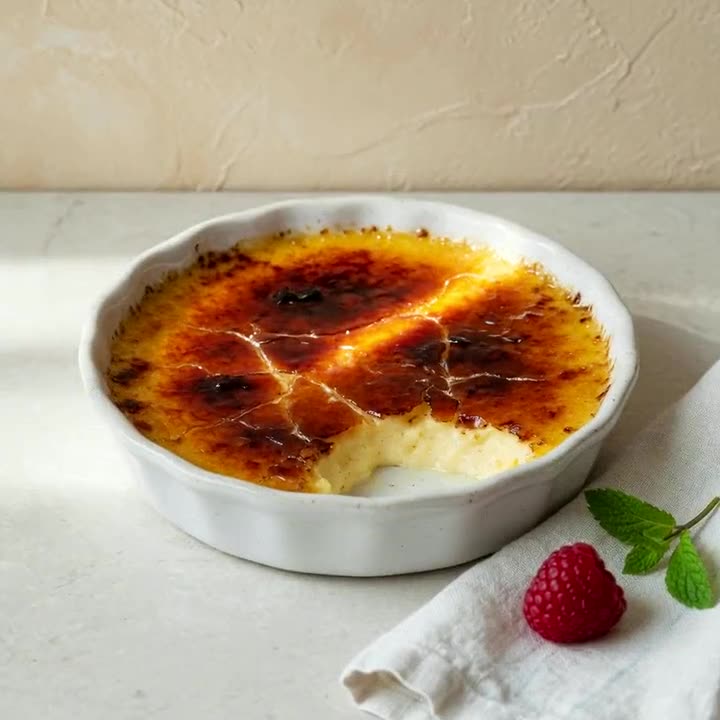
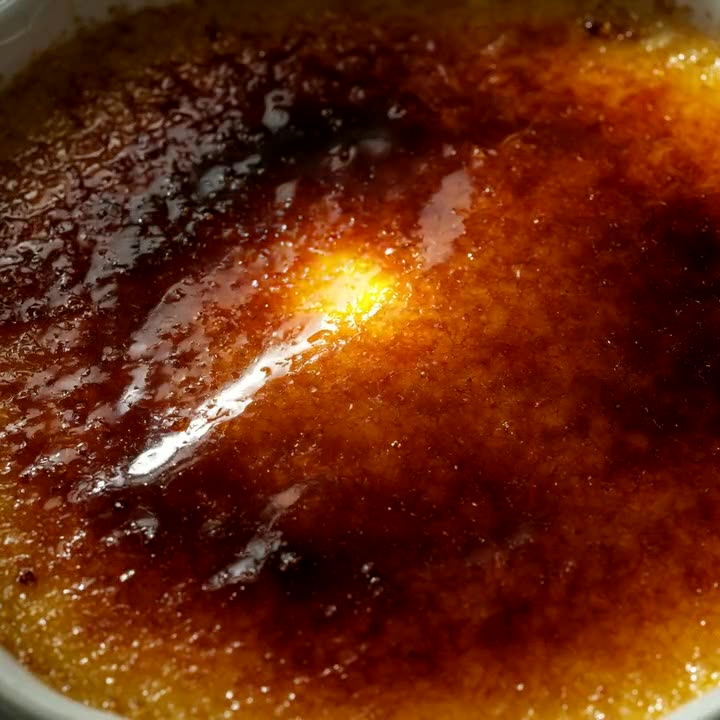
Give guests a view of the dish before they order. Put a model link on your digital menu, or let a QR code at the table open the conversation.
Explore a food model3D publishing for food and product brands
Upload a prepared 3D model. Share one link or QR code. Let customers turn, zoom and explore your product before they choose.
Free during early access. No Lusion app for your guests.
About Lusion · TürkçeMade for the moment someone says,
“Let me take a closer look.”
A simple publishing workflow, with room for all the details that make your product yours.
Read the publishing guideUpload a GLB for browser 3D and Android, a USDZ for iPhone and iPad AR, or both. A USDZ on its own is converted to GLB for you.
Add a name, a little context, and a thumbnail. Preview the details before sharing.
Share the link or download a QR for your menu, packaging, or display. Guests open it without an account.

Your product has a story that a thumbnail can only begin to tell. Give people a little space to explore it.
Let people rotate your model and inspect its shape, materials, and little details.
The right file opens in Quick Look on iOS or Scene Viewer on supported Android devices.
Add your QR to a table, a package, or a display. Your model is one scan away.
See recorded model activity by platform and use it to inform your next publishing step.
From the texture of a cake to the curves of a chair. Choose a model, explore every angle, then share the same view with your phone.
Choose a model
 Model preview
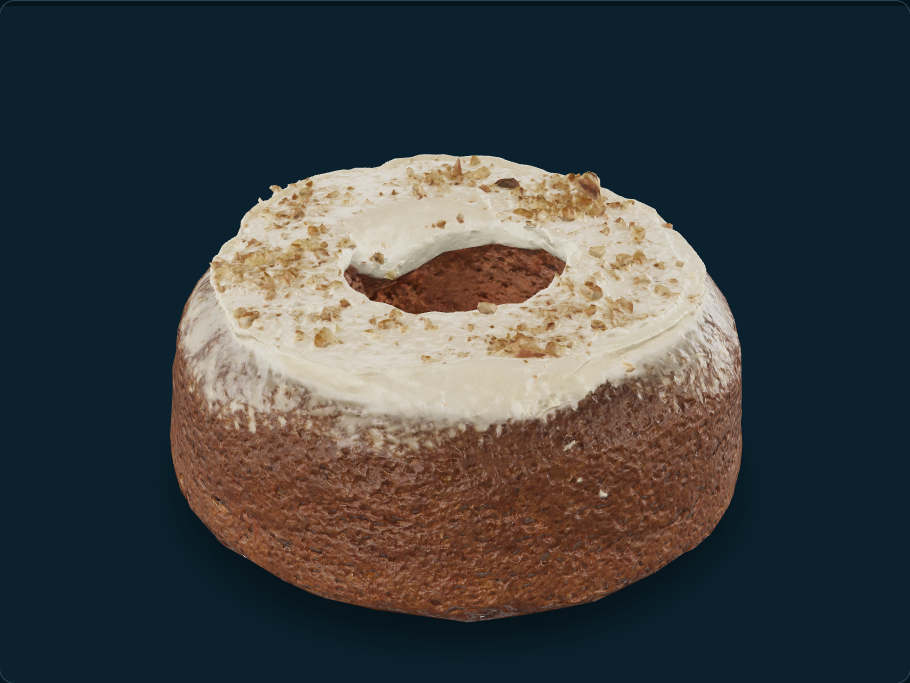
Preview image of Carrot Cake. Load 3D when you are ready.
Once loaded, drag to rotate and scroll or pinch to zoom. With the model focused, use the arrow keys to rotate.
Bakery & sweets
Get close to the crumb, frosting and finishing details. Rotate this prepared model to explore the cake from every angle.
Model by Greg Zaal and James Ray Cock, via Poly Haven. CC0. Original geometry and 2K textures, packaged as GLB by Lusion.
Scan the QR code to open this model on your phone. AR availability depends on your device and the model format.
Wherever people discover your products, give them a way to get a little closer. A model and a QR code are a good place to start.
Give guests a view of the dish before they order. Put a model link on your digital menu, or let a QR code at the table open the conversation.
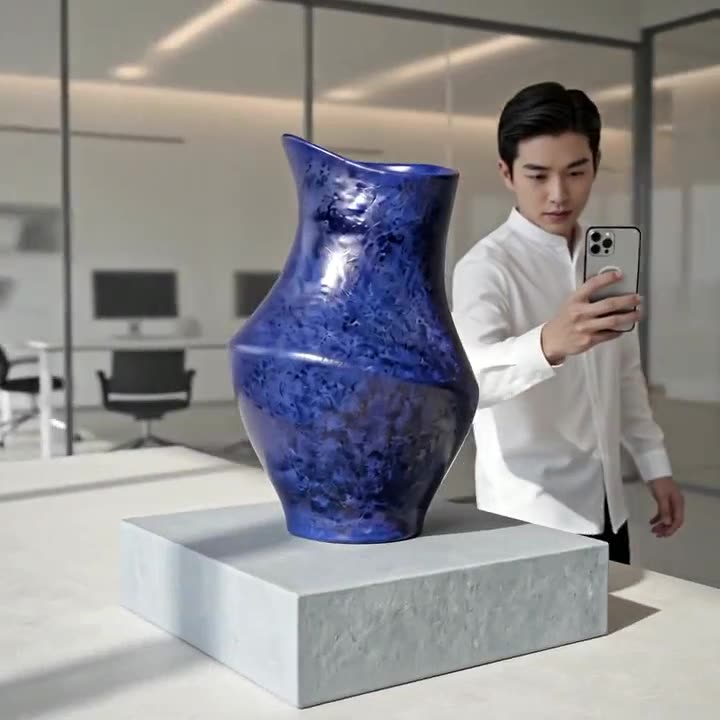
Explore a food modelFrom a sculptural vessel to a new collection, help people explore the shape and details. Share a prepared product model wherever you already sell.
Prepare your product modelOne model can carry a whole set — sofa, table, chair and rug. Share the QR and let someone place it at real scale in the room they’re standing in.
Prepare a room modelPublish your first model during early access. No payment details needed.
$0during early access
Paid plans are not available yet.
Bring a prepared GLB or USDZ model from your 3D or capture tool. The website publishes the file; it does not turn a photograph into a 3D model. Add a name, optional details, and a thumbnail, then share your link. Our own iPhone capture app, for LiDAR-equipped iPhone Pro models, is in internal testing and not yet available to the public.
A GLB provides browser 3D and Scene Viewer on supported Android phones. Add a USDZ for iPhone and iPad Quick Look. If you publish only a USDZ, Lusion converts it to a GLB automatically, usually within minutes. Native AR depends on the device, so check your model on the phones your customers use.
There is no Lusion app to install and no guest account to create. Shared links open in a browser and use the phone’s supported AR viewer when available.
Have a different workflow in mind?
Let’s talk about it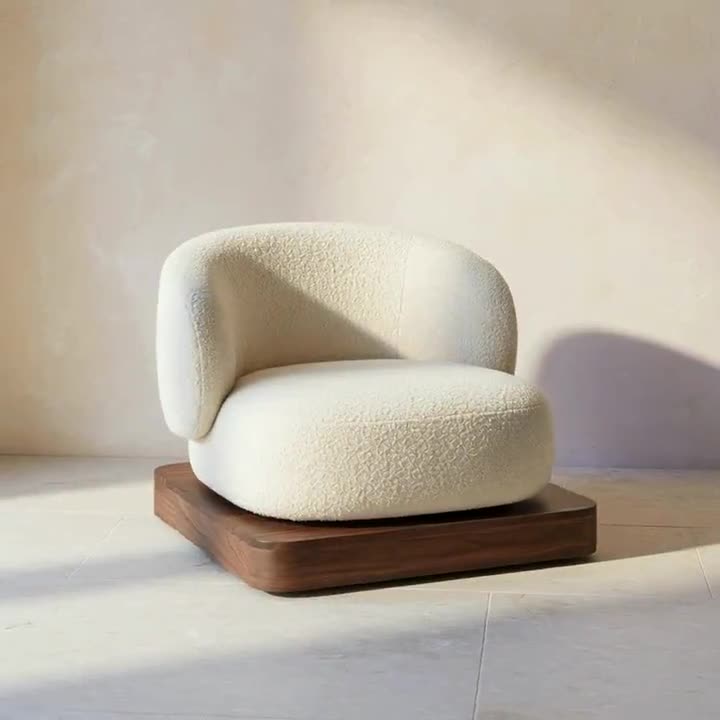

A small file.
A whole new perspective.